


Live view
See your Mac screen on your iPhone or watch.
HOW IT WORKS
- Open Tesoro on your Mac.
- Your screen appears on your phone or watch.
TESORO DESK // VERSION 2.3

Work on your Mac from anywhere, in real time. Join the beta and shape what comes next.
YOUR MAC · YOUR IPHONE · YOUR WATCH
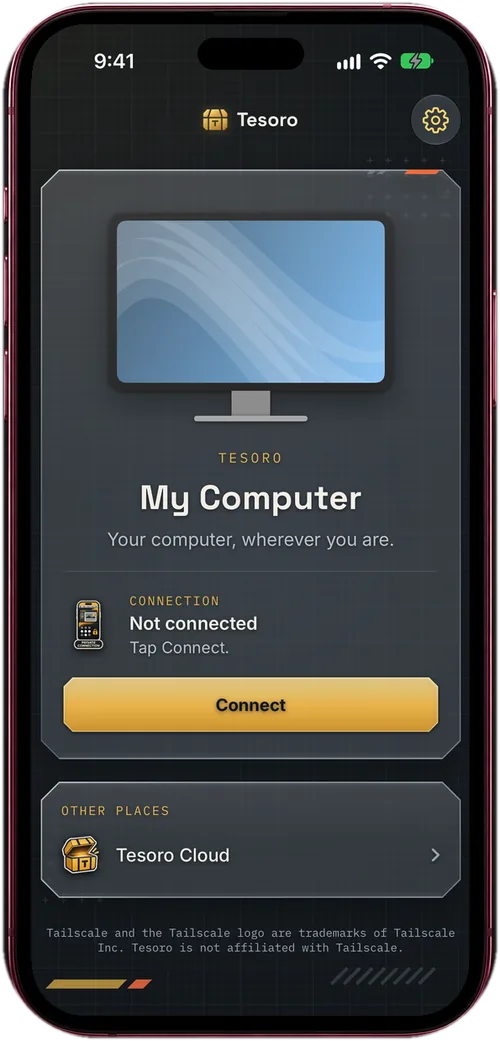
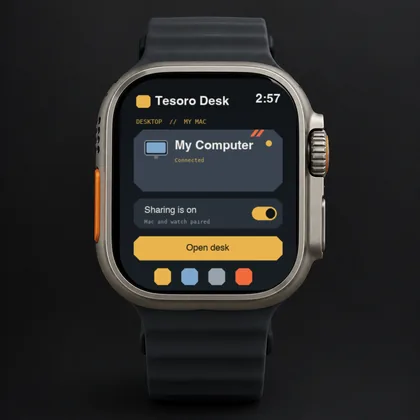
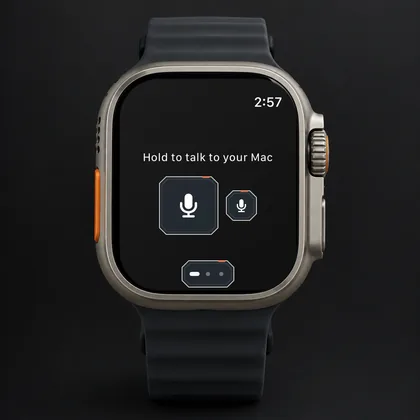
Try the newest build on your iPhone and Apple Watch first. TestFlight makes it one tap.
Join on TestFlight →Something not working? Tell us what you were doing and we will look into it.
Send a report →Have an idea for Tesoro? Tell us what you would do with it.
Send an idea →Install the Mac host and it walks you through setup: open it, pair your iPhone, then pair your watch.
Coming with 2.3 · Join the BetaThe Mac download arrives with version 2.3. Beta testers hear first.
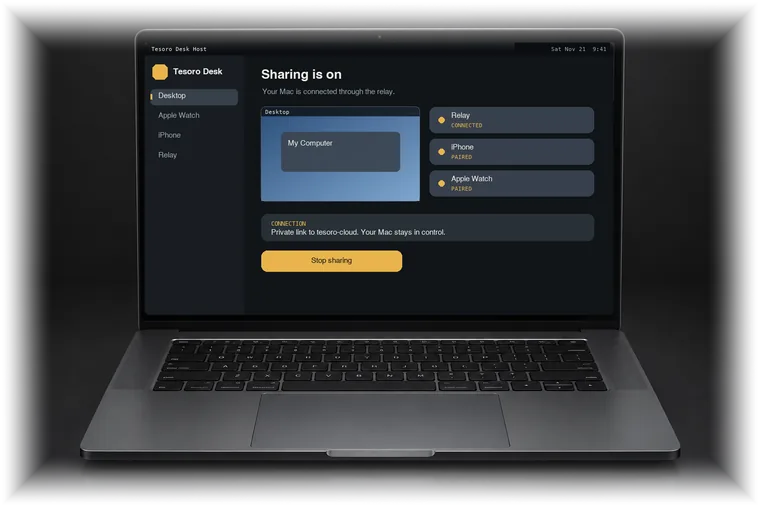
See how Tesoro works, feature by feature, just below.
Join the beta on your iPhone through TestFlight.
Install the Mac host and follow its setup to pair your iPhone and watch.
Your Mac, on your iPhone and Apple Watch, from anywhere.
See your Mac screen on your iPhone or watch.

Use your Mac as if you were sitting at it.

Hand control back with one tap.
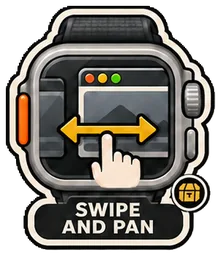
Move, click and type from your iPhone.
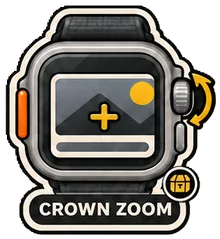
Zoom in on fine detail.
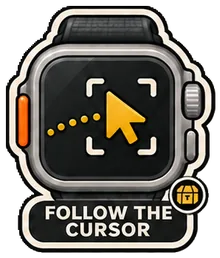
Keep your pointer in view.

Speak to your Mac from your wrist.

Get to your apps fast.

Pick up where you left off.